![prohire-logo-orange.svg]](https://knowledge.prohire.co.uk/hubfs/Logo/prohire-logo-orange.svg)
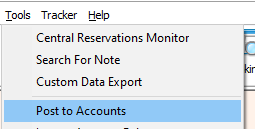
a. For this process to work, you are going to need to ensure that you have already set up the accounts link between Prohire and Sage. If you have not done this already then please follow the following Knowledge Base article and return when done – https://knowledge.prohire.co.uk/how-to-setup-invoice-posting-to-sage
2. Once you are in the Postings screen, click ‘Client Export’ on the toolbar

3. After you have clicked the Client Export button, a confirmation screen will appear asking you to confirm you would like to export you clients out of Prohire. It will also show you where this information is going to be exported to and which version of Sage.
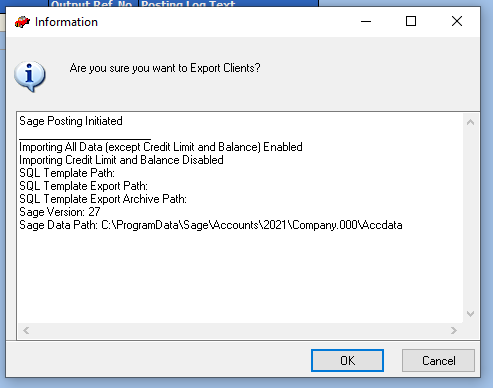
4. If you are happy to proceed with the export, then click OK or Cancel to return to the postings screen.
a. When you have clicked OK, the system will start transferring across all your account customers to Sage. Creating them where necessary and/or updating their information with what you have in Prohire.
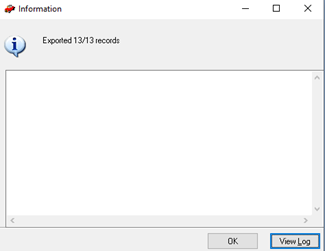
5. Once the system has finished transferring your clients, a confirmation screen will appear telling you how many clients were created and amended. Click OK to exit out of this screen.